
How to Use IQOS Terea Indonesian (Complete Guide)

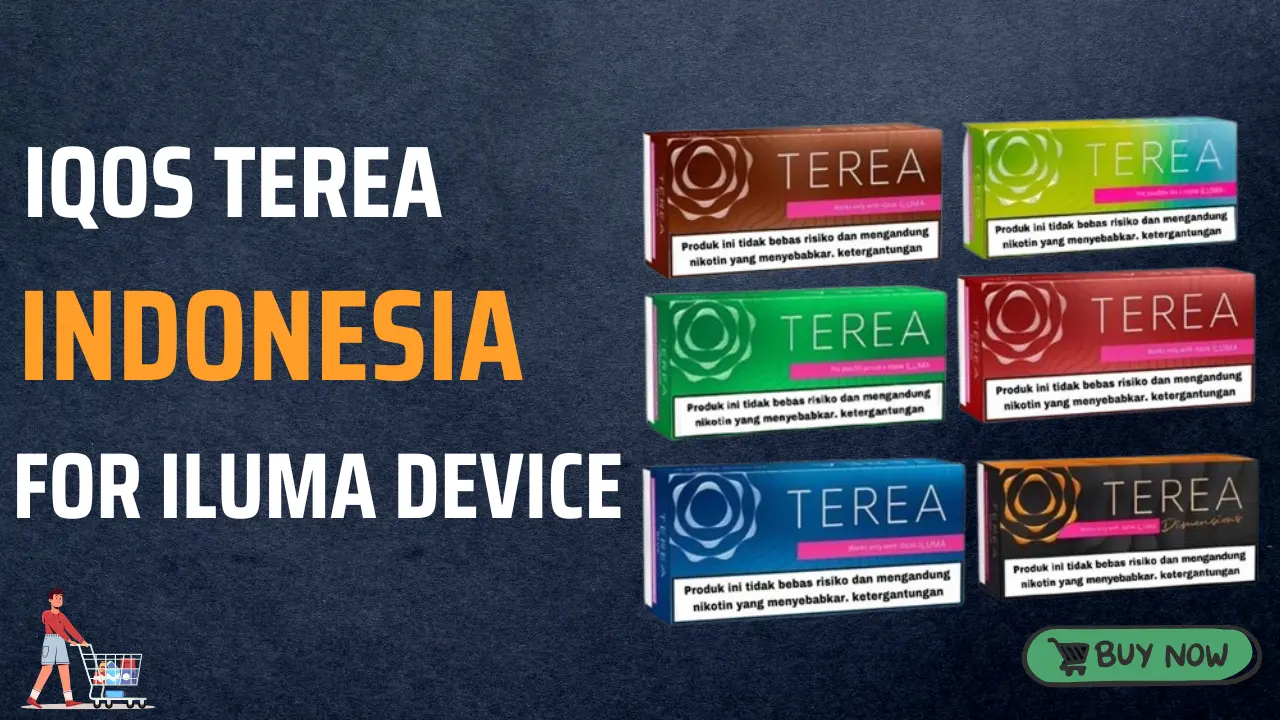
IQOS Terea Indonesian sticks are specially designed heated tobacco sticks used with the IQOS ILUMA device series. These sticks are different from traditional cigarettes because they are heated rather than burned, producing a nicotine-containing aerosol instead of smoke. This heating technology allows users to enjoy real tobacco flavor with less lingering smell and without ash.
Terea sticks are specifically made for the IQOS ILUMA generation, including devices like IQOS ILUMA Prime and IQOS ILUMA One. They contain a small metal heating element inside the stick, which works with the device’s induction heating system. Because of this design, they cannot be used with older IQOS models such as IQOS 3 DUO or IQOS ORIGINALS.
Indonesian Terea sticks come in a variety of flavors and strengths, but the usage method is the same for all variants. Understanding the correct way to use them will ensure the best flavor, smooth heating, and proper device performance.
This guide explains step-by-step how to use IQOS Terea Indonesian sticks safely and effectively.
1. Understand the IQOS Heating System
Before learning how to use Terea sticks, it is important to understand how the IQOS ILUMA system works.
Traditional cigarettes burn tobacco, which produces smoke and ash. IQOS devices instead heat tobacco to a controlled temperature, releasing nicotine and flavor without combustion.
Key features of the system include:
- Induction heating technology
- No blade inside the device holder
- Heating element inside the Terea stick
- Controlled heating for consistent flavor
Because the heating element is built inside the Terea stick itself, the device remains cleaner and requires less maintenance compared to earlier IQOS models.
2. Charge Your IQOS Device First
Before using IQOS Terea sticks for the first time, make sure your IQOS ILUMA device is fully charged.
Steps to charge your device
- Connect the charging cable to the IQOS pocket charger or device.
- Plug the cable into a power adapter.
- Allow the device to charge completely.
A full charge may take around 90–135 minutes depending on the model.
Charging ensures the device can complete the full heating cycle and provide consistent vapor production.
3. Turn On the IQOS Device
Once the device is charged, turn it on.
How to power on
- Press and hold the power button for about four seconds.
- The device lights will activate to indicate it is ready for use.
These lights also show how many sessions are available before needing to recharge.
For example:
- Two lights = two sessions available
- One light = one session left
- No lights = recharge required
4. Insert the Terea Stick Correctly
After turning on the device, you can insert a Terea stick.
Proper insertion steps
- Remove one Terea stick from the pack.
- Insert the stick into the device holder gently.
- Push it in until it reaches the line on the filter.
Make sure the logo remains visible when inserted correctly.
Important tips:
- Do not twist the stick.
- Do not push it too hard.
- Always insert with the filter side facing outward.
Correct insertion ensures the heating element inside the stick aligns properly with the device.
5. Start the Heating Process
Once the Terea stick is inserted, the heating process begins.
There are two possible ways this happens:
Auto-start mode
Many IQOS ILUMA devices automatically start heating when the stick is inserted.
Manual start mode
If auto-start is disabled:
- Press the holder button for one second.
- The device will vibrate and lights will start pulsing.
The pulsing light indicates the device is preheating the tobacco stick.
Preheating usually takes about 20 seconds.
6. Wait for the Ready Signal
Once the device finishes heating, it will notify you.
Signs that the device is ready:
- The holder vibrates again.
- The light becomes steady.
This indicates the tobacco is heated and ready for use.
You can now begin inhaling through the filter.
7. Enjoy Your Session
A single IQOS session typically lasts:
- Around 6 minutes, or
- About 14 puffs
During the session:
- Take slow and steady puffs.
- Avoid very fast inhalation.
- Allow a few seconds between puffs.
This helps maintain stable heating and better flavor quality.
8. End of the Session Notification
Near the end of the session, the device provides a warning signal.
You will notice:
- A vibration
- A pulsing white light
This indicates there are about 30 seconds or two puffs remaining.
After this warning, the device will stop heating automatically.
9. Remove the Used Terea Stick
Once the session ends, remove the used stick.
Steps:
- Pull the stick out gently.
- Dispose of it in a trash bin.
Terea sticks are single-use products, meaning they cannot be reused.
Using a stick again will not produce good flavor and may affect device performance.
10. Recharge the Holder
After one or two sessions, the holder battery may become low.
To recharge:
- Place the holder back into the pocket charger.
- The charging lights will start pulsing.
The device will recharge automatically and prepare for the next session.
11. Tips for the Best Experience
To get the best results from IQOS Terea Indonesian sticks, follow these tips.
Insert sticks gently
Forcing the stick can damage the filter or heating element.
Use fresh sticks
Always use a new Terea stick for each session.
Keep the device charged
A low battery may reduce heating performance.
Store sticks properly
Keep the pack in a cool, dry place away from sunlight.
12. Important Safety Guidelines
While IQOS devices are designed with safety in mind, it is important to follow basic precautions.
Do not disassemble Terea sticks
Each stick contains a metal component that helps with heating. Disassembling the stick can be dangerous.
Keep away from children
Tobacco products should always be stored safely.
Use only with compatible devices
Terea sticks are designed specifically for the IQOS ILUMA series and should not be used with earlier IQOS devices.
Using them incorrectly may damage the device.
13. Cleaning and Maintenance
Although IQOS ILUMA devices require less cleaning than previous models, basic maintenance still helps maintain performance.
Maintenance tips
- Wipe the holder occasionally.
- Avoid exposing the device to dust or moisture.
- Charge the pocket charger regularly.
Proper care will help your device last longer.
14. Common Mistakes to Avoid
Many new users make small mistakes when using IQOS Terea sticks.
Inserting the stick too forcefully
This may damage the filter or heating element.
Trying to reuse a stick
Used sticks do not provide good flavor.
Using incompatible devices
Terea sticks work only with the ILUMA series.
Ignoring battery level
A low battery may interrupt your session.
Conclusion
IQOS Terea Indonesian sticks are designed to work with the IQOS ILUMA series, providing a modern heated tobacco experience. Instead of burning tobacco, the device heats the stick using induction technology, producing nicotine-containing aerosol without smoke or ash.
Using Terea sticks correctly involves a simple process: charge the device, insert the stick gently, start heating, enjoy the session, and dispose of the used stick afterward. By following the proper steps and maintaining the device, users can enjoy a smooth and consistent experience.