
How to Fix IQOS ILUMA Prime Kit

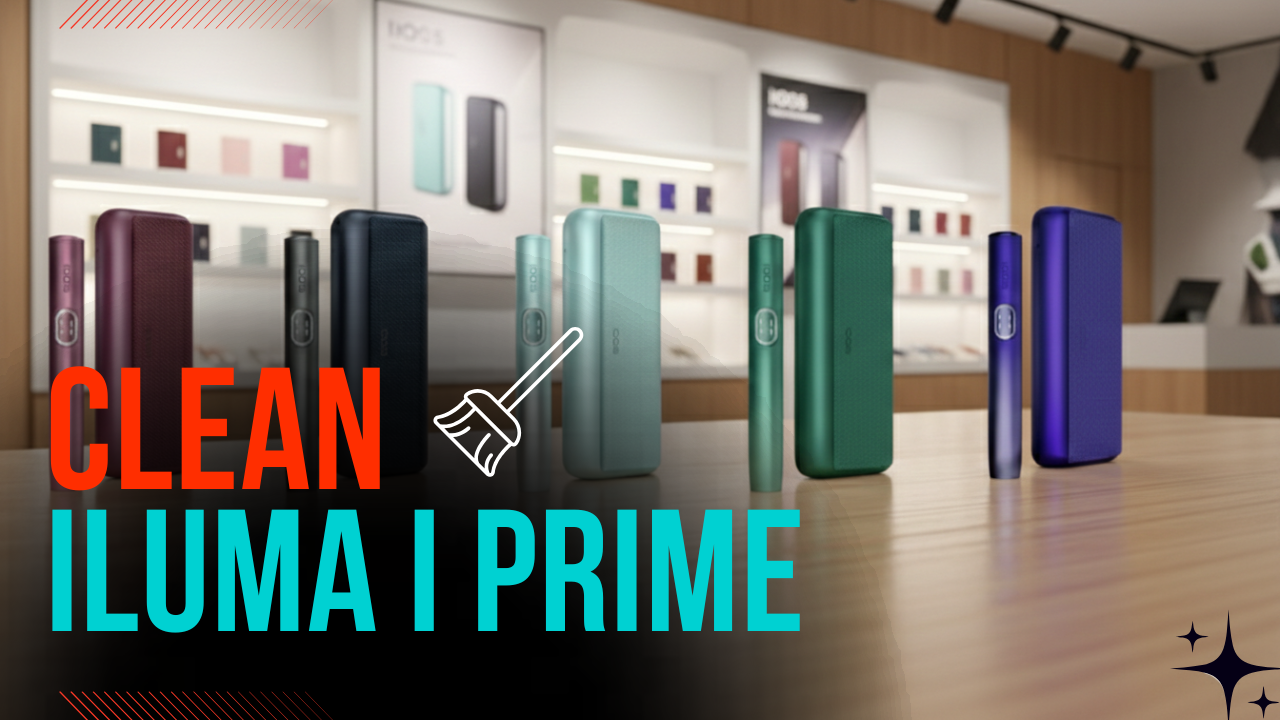
The IQOS ILUMA Prime Kit is a premium heated tobacco device designed for a smooth and consistent experience using advanced induction heating technology. While it is more advanced than older models, users may still face occasional issues such as the device not heating, charging problems, or connection errors. The good news is that many of these problems can be resolved easily with proper troubleshooting.
Understanding how the device works and identifying the issue correctly are the first steps toward fixing it effectively.
Common Problems with IQOS ILUMA Prime Kit
Before jumping into solutions, it’s helpful to recognize the most common issues:
- Device not heating
- Holder not charging
- Pocket charger not charging
- Blinking or unusual LED lights
- Weak or inconsistent experience
- Device not detecting the stick
Each issue has its own cause and fix.
1. Device Not Heating
One of the most common issues is when the device does not heat up after inserting a tobacco stick.
Possible Causes:
- Battery is low or empty
- Improper stick insertion
- Device needs reset
How to Fix:
Start by checking the battery level. Place the holder inside the pocket charger and ensure it is properly seated. Allow it to charge fully before trying again.
Next, make sure the tobacco stick is inserted correctly. Do not twist or force it into the holder, as this can affect the heating process.
If the device still does not heat, perform a reset. Press and hold the button on the pocket charger for about 10 seconds until the lights blink. This will restart the system and often resolves minor glitches.
2. Holder Not Charging
If the holder is not charging inside the pocket charger, the issue may be related to connection or cleanliness.
Possible Causes:
- Dirty charging contacts
- Improper alignment
- Faulty holder or charger
How to Fix:
Remove the holder and inspect the charging contacts inside both the holder and the pocket charger. Dust or residue can prevent proper charging. Clean the contacts gently using a dry cotton swab.
Reinsert the holder carefully, ensuring it fits snugly and aligns correctly. You should feel it sit securely in place.
If the holder still does not charge, try resetting the device. If the issue persists, the holder or charger may have a hardware problem.
3. Pocket Charger Not Charging
Sometimes the pocket charger itself does not charge, which prevents the entire device from functioning.
Possible Causes:
- Faulty charging cable or adapter
- Dirty charging port
- Battery issue
How to Fix:
First, check your charging cable and adapter. Try using a different cable to rule out any issues.
Inspect the charging port on the pocket charger. If there is dust or lint inside, clean it carefully using a toothpick or soft brush.
Plug the charger into a reliable power source and check if the LED lights indicate charging. If there is still no response, the battery may be damaged and require replacement.
4. Blinking or Unusual LED Lights
The IQOS ILUMA Prime uses LED indicators to communicate its status. Blinking lights can indicate different issues.
Possible Causes:
- Low battery
- Device overheating
- System error
How to Fix:
If the lights are blinking white, it often means the battery is low. Charge the device fully.
If the device shows red or unusual blinking patterns, it could be overheating. Let it cool down for a few minutes before using it again.
Perform a reset by holding the button until the lights blink. This can resolve temporary system errors.
5. Weak or Inconsistent Experience
If the device is producing less vapor or inconsistent performance, it can affect your overall experience.
Possible Causes:
- Low battery
- Improper usage
- Dirty device
How to Fix:
Ensure the device is fully charged before use. A low battery can reduce heating efficiency.
Use the tobacco sticks correctly and avoid taking very quick or forceful puffs. Slow and steady draws provide better results.
Clean the device regularly. Even though the ILUMA series reduces residue buildup compared to older models, keeping it clean still helps maintain performance.
6. Device Not Detecting Stick
The IQOS ILUMA Prime uses smart technology to detect inserted sticks. If it fails to recognize the stick, it won’t start heating.
Possible Causes:
- Incorrect stick type
- Misalignment
- Internal sensor issue
How to Fix:
Make sure you are using compatible sticks designed for the ILUMA series. Using the wrong type will prevent detection.
Insert the stick gently and correctly. Do not force it.
If the device still doesn’t detect the stick, try resetting it. If the problem continues, it may require professional servicing.
7. Overheating Issues
Overheating can cause the device to stop working temporarily.
Possible Causes:
- Continuous usage without breaks
- High environmental temperature
How to Fix:
Allow the device to cool down between sessions. Avoid using it repeatedly without giving it time to rest.
Keep the device away from direct sunlight or hot environments.
Maintenance Tips to Prevent Issues
Proper maintenance can prevent most problems and extend the life of your IQOS ILUMA Prime Kit.
- Clean the device regularly, even if residue is minimal
- Avoid dropping or mishandling the device
- Keep it away from water and extreme temperatures
- Use only compatible sticks
- Charge using the original cable and adapter when possible
Taking care of your device ensures consistent performance and reduces the need for repairs.
When to Replace the Device
Sometimes, fixing the device is not possible. You may need to replace it if:
- The battery no longer holds a charge
- The device has internal damage
- It consistently fails to heat or detect sticks
In such cases, replacing the device is the safest and most effective solution.
Conclusion
The IQOS ILUMA Prime Kit is a sophisticated device, but like any electronic product, it can face occasional issues. Fortunately, most problems—such as charging failures, heating issues, or connection errors—can be fixed with simple troubleshooting steps like cleaning, resetting, and proper usage.
By understanding how the device works and maintaining it regularly, you can enjoy a smooth and reliable experience for a long time. If all troubleshooting steps fail, it’s best to consider repair or replacement to ensure safety and performance.