
How to Fix IQOS ILUMA i PRIME

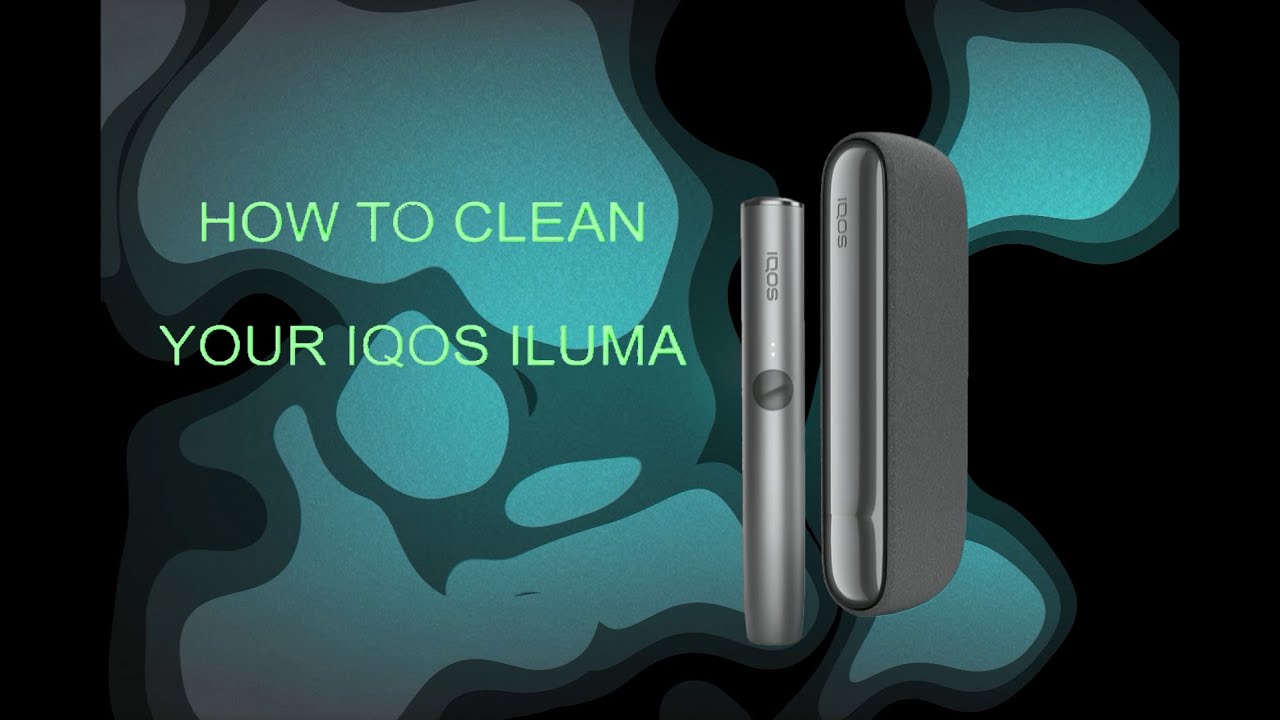
IQOS ILUMA i PRIME is one of the most advanced heated tobacco devices available today, designed with smart features, bladeless technology, and a sleek premium design. However, like any electronic device, it can sometimes run into issues. Whether your device is not charging, not heating, or showing unexpected lights, the good news is that most problems can be fixed easily at home.
In this comprehensive guide, you’ll learn step-by-step solutions to fix common issues with your IQOS ILUMA i PRIME and keep it running smoothly.
Understanding How IQOS ILUMA i PRIME Works
Before diving into fixes, it’s helpful to understand how the device operates. Unlike older IQOS models, the ILUMA series uses SMARTCORE INDUCTION SYSTEM™, which means:
- No blade inside the holder
- Heating happens through induction
- Uses TEREA sticks instead of traditional HEETS
Because of this upgraded system, troubleshooting is slightly different compared to older IQOS devices.
Common Problems and How to Fix Them
1. Device Not Charging
Possible Causes:
- Faulty cable or adapter
- Dirty charging port
- Battery drained completely
Solutions:
Check the charger and cable
- Always use the original IQOS charging cable and adapter
- Try a different power outlet
Clean the charging port
- Dust or debris can block proper connection
- Use a dry, soft brush or cloth (never water)
Reset the device
- Press and hold the button for about 10 seconds
- Release when lights blink
Charge for at least 30 minutes
- If battery is fully drained, it may take time to respond
2. IQOS ILUMA i PRIME Not Heating
Possible Causes:
- Incorrect stick inserted
- Device error
- Low battery
Solutions:
Check the stick type
- Make sure you’re using TEREA sticks only
- Other sticks won’t work due to bladeless design
Ensure proper insertion
- Insert the stick gently, do not twist or force
Charge the device fully
- Heating won’t start if battery is low
Restart the device
- Hold the power button for 10 seconds
3. Blinking Lights (White, Red, or Orange)
The LED indicators are important for diagnosing problems.
White Blinking Light
- Device is heating or preparing
- Wait a few seconds
Red Light
- Indicates an error
Fix:
- Reset the device
- Charge fully
- Ensure device is not overheated
Orange Light
- Firmware update or temporary issue
Fix:
- Connect to official IQOS app (if available in your region)
- Restart the device
4. Device Not Turning On
Possible Causes:
- Dead battery
- Software glitch
Solutions:
Charge the device
- Leave it plugged in for at least 30 minutes
Perform a hard reset
- Hold button for 10–15 seconds
Check button functionality
- Ensure it’s not stuck or damaged
5. Weak or No Vapor
Possible Causes:
- Low battery
- Improper stick usage
- Device needs cleaning
Solutions:
Fully charge the device
- Low battery reduces heating performance
Insert stick correctly
- Avoid partial insertion
Avoid rapid consecutive use
- Let the device cool between sessions
Clean the holder
- Even though it’s bladeless, residue can still build up
6. Device Overheating
Possible Causes:
- Continuous usage
- Hot environment
- Internal malfunction
Solutions:
Let it cool down
- Stop using and leave it for 10–15 minutes
Avoid direct sunlight
- Heat exposure affects performance
Do not use while charging
- This can increase temperature
7. Charging Case Issues
Problem:
Holder not charging inside the case
Fix:
- Ensure holder is inserted correctly
- Clean charging connectors
- Fully charge the case
- Reset the device
8. Firmware or Software Glitches
Sometimes the issue is not hardware but software-related.
Fix:
- Restart the device
- Keep firmware updated (if app access is available)
- Avoid interrupting updates
How to Properly Reset IQOS ILUMA i PRIME
Resetting solves many problems quickly.
Steps:
- Press and hold the button for 10 seconds
- Wait for lights to blink
- Release the button
- Device will restart automatically
Maintenance Tips to Prevent Problems
Prevention is always better than fixing issues later.
1. Regular Cleaning
- Clean the holder weekly
- Use only dry tools
- Never use water
2. Use Original Accessories
- Avoid third-party chargers
- Stick to official cables and adapters
3. Avoid Overcharging
- Unplug once fully charged
- Helps extend battery life
4. Store Properly
- Keep away from extreme heat or cold
- Avoid moisture
5. Handle with Care
- Do not drop or apply pressure
- Internal components are sensitive
When to Seek Professional Help
If none of the above fixes work, your device may have a deeper issue.
Signs you need support:
- Persistent red light
- Device won’t charge at all
- Physical damage
- Heating system failure
In such cases, it’s best to contact official IQOS customer support or visit a service center.
Frequently Asked Questions (FAQ)
Q1: Why is my IQOS ILUMA i PRIME blinking red?
It usually indicates an error. Try resetting and charging the device fully.
Q2: Can I use HEETS with ILUMA i PRIME?
No. It only works with TEREA sticks due to the bladeless system.
Q3: How often should I clean my device?
At least once a week for best performance.
Q4: Why is my device not producing enough vapor?
Check battery level, stick placement, and ensure the device is clean.
Q5: Is it safe to reset frequently?
Yes, resetting does not harm the device and often fixes minor issues.
Final Thoughts
The IQOS ILUMA i PRIME is a premium and reliable device, but occasional issues are normal with any electronic gadget. Thankfully, most problems—whether related to charging, heating, or blinking lights—can be resolved with simple troubleshooting steps like resetting, cleaning, and proper usage.
By following this guide, you can fix common problems quickly and keep your device performing at its best. Regular maintenance and correct handling will not only prevent issues but also extend the lifespan of your IQOS device.