
How to Activate IQOS ILUMA I Prime

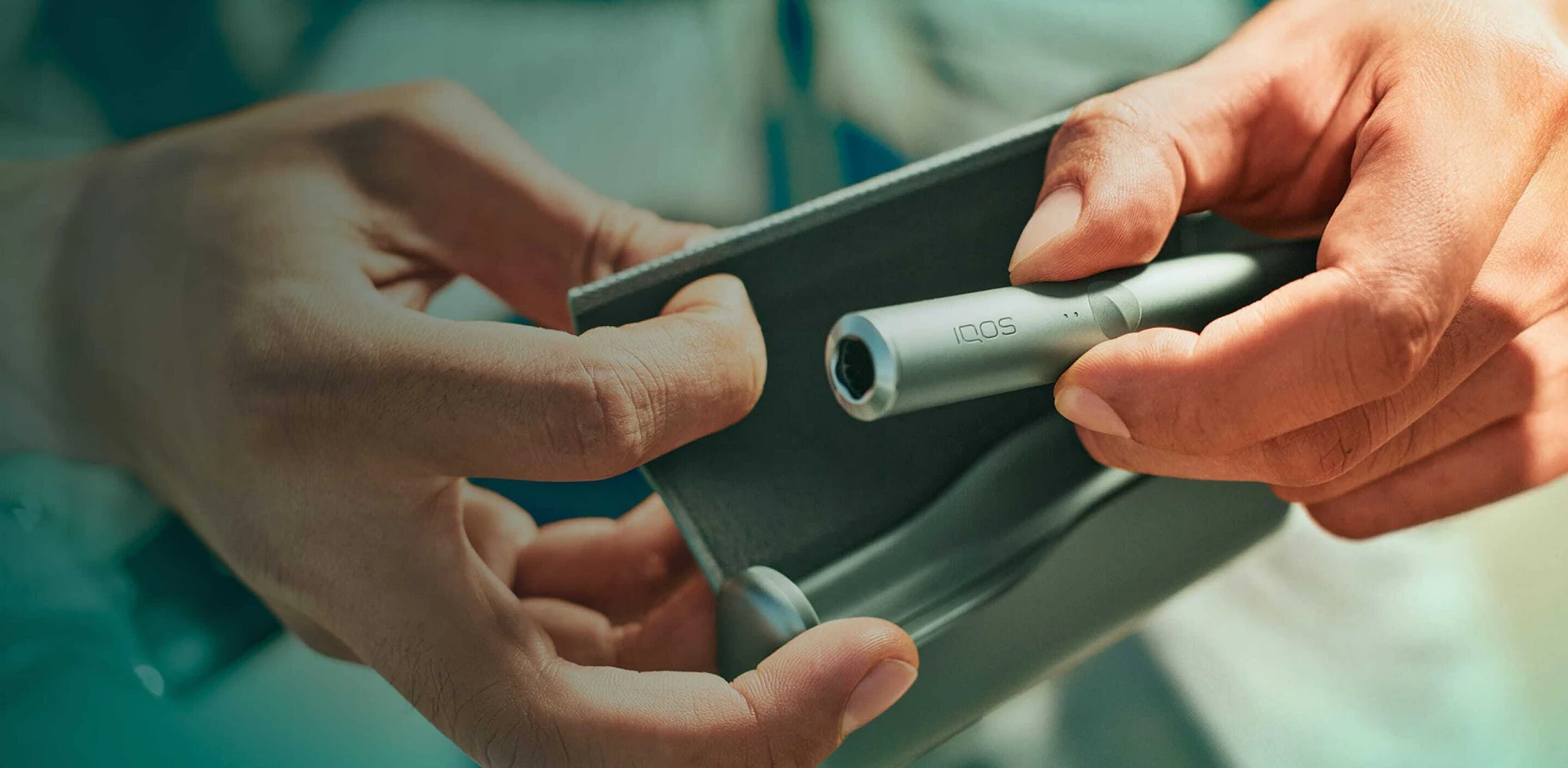
IQOS ILUMA I Prime is one of the most advanced heated tobacco devices available today. Designed with premium materials, smart technology, and a bladeless heating system, it offers a cleaner and more convenient experience compared to traditional smoking devices. If you are using the IQOS ILUMA I Prime for the first time, understanding how to activate and set it up properly is very important for the best performance.
This guide explains everything you need to know about activating the device, charging it, preparing it for use, and solving common activation issues.
Introduction to IQOS ILUMA I Prime
The IQOS ILUMA I Prime belongs to the IQOS ILUMA series, which uses Smartcore Induction Technology instead of the traditional blade heating system found in older IQOS devices. Because there is no blade inside the holder, the device becomes easier to clean and less likely to break.
The device is specially designed to work with TEREA tobacco sticks. These sticks contain a sealed metal heating element inside, allowing the device to heat tobacco evenly without burning it.
Before using the device, activation is required. Activation ensures the battery, holder, and charging system are functioning correctly.
What Comes Inside the Box
Before activation, check that all components are included in the package. A standard IQOS ILUMA I Prime box usually contains:
- IQOS ILUMA I Prime Pocket Charger
- IQOS ILUMA Holder
- Charging cable
- Power adapter
- User manual
Make sure all items are clean and undamaged before beginning the setup process.
Step-by-Step Guide to Activate IQOS ILUMA I Prime
Step 1: Fully Charge the Device
Before first use, charging the device completely is recommended.
How to Charge
- Connect the charging cable to the pocket charger.
- Plug the adapter into a power outlet.
- Allow the device to charge fully.
The LED lights on the pocket charger will blink while charging. When all indicator lights stay solid, the device is fully charged.
The first full charge may take around 90 minutes depending on battery condition and power source.
Charging the device fully before activation helps improve battery calibration and performance.
Step 2: Turn On the Device
After charging, you can activate the device.
Powering On
- Press and hold the button on the pocket charger for about 4 seconds.
- Release the button when the status lights turn on.
- The lights will slowly blink and vibrate slightly.
This indicates the device is now powered on and active.
If the lights do not appear, charge the device for additional time and try again.
Step 3: Check Battery Status
To ensure successful activation, check the battery level.
Battery Indicators
- Four solid lights = fully charged
- Two lights = medium battery
- One light = low battery
You can press the charger button quickly once to view battery status.
The holder should also be inserted correctly inside the pocket charger to receive charging power.
Step 4: Insert the Holder Correctly
Remove the holder from the charger and inspect it carefully.
Important Tips
- The holder should be clean and dry.
- Do not force anything inside the chamber.
- Use only compatible TEREA sticks.
Insert the holder back into the charger until it clicks gently into place.
The holder charges automatically while inside the pocket charger.
Step 5: Prepare the Device for First Use
Once activation is complete, you can begin using the device.
How to Start Using
- Remove the holder from the charger.
- Insert a TEREA tobacco stick gently.
- Press and hold the holder button for around 1 second.
- The holder will vibrate and blink.
After a few seconds, another vibration indicates the device is ready for use.
The heating session usually lasts around 6 minutes or approximately 14 puffs.=
Understanding Smartcore Induction Technology
One of the biggest innovations in the IQOS ILUMA I Prime is Smartcore Induction Technology.
Unlike older blade systems, the device heats tobacco through induction. This provides several advantages:
- No blade breakage
- No tobacco residue inside the holder
- Easier maintenance
- More consistent heating
- Cleaner experience
Because of this advanced system, activation and operation become much simpler for beginners.
Pairing with the IQOS App
Some versions of the IQOS ILUMA I Prime can connect with the IQOS mobile application through Bluetooth.
Benefits of Pairing
- Battery monitoring
- Device customization
- Usage tracking
- Firmware updates
- Troubleshooting assistance
How to Pair
- Enable Bluetooth on your smartphone.
- Open the IQOS app.
- Press and hold the charger button for several seconds until Bluetooth pairing mode activates.
- Select the device from the app.
Follow the on-screen instructions to complete pairing.
Common Activation Problems and Solutions
Sometimes users experience issues during activation. Most problems are simple to fix.
Device Not Turning On
Possible reasons:
- Battery completely empty
- Faulty charging cable
- Charger not connected properly
Solution
- Charge for at least 30 minutes
- Try another power outlet
- Ensure cable connections are secure
Holder Not Charging
Possible reasons:
- Dirty charging contacts
- Holder inserted incorrectly
Solution
- Clean charging contacts gently
- Reinsert the holder properly
Blinking Red Light
A blinking red light may indicate:
- Temporary device error
- Battery issue
- Temperature problem
Solution
- Place the holder back in the charger.
- Restart the device.
- Charge completely before trying again.
If the problem continues, professional servicing may be required.
Tips for Best Performance
To enjoy the best experience with the IQOS ILUMA I Prime, follow these helpful tips:
Use Original TEREA Sticks
The device is specially made for TEREA tobacco sticks. Using incompatible products may damage the system.
Keep the Device Charged
Avoid allowing the battery to become fully empty frequently. Regular charging helps extend battery life.
Store in a Cool, Dry Place
Extreme heat or moisture can affect performance and battery condition.
Avoid Forceful Handling
The induction system is advanced but should still be handled carefully to prevent accidental damage.
Why Many Users Choose IQOS ILUMA I Prime
The IQOS ILUMA I Prime is popular because of its premium design and user-friendly operation.
Key advantages include:
- Elegant and modern appearance
- Blade-free technology
- Faster and cleaner usage
- Reduced maintenance
- Comfortable grip and lightweight design
- Reliable battery performance
For adult users seeking a more advanced heated tobacco device, the ILUMA I Prime offers a high-end experience.
Frequently Asked Questions
How long does the first charge take?
The first full charge usually takes about 90 minutes.
Can I use regular HEETS sticks?
No. The IQOS ILUMA I Prime is designed only for TEREA sticks.
Does the device require cleaning?
Because of the bladeless system, cleaning requirements are minimal compared to older IQOS devices.
Why is the device vibrating?
Vibrations indicate different stages such as powering on, heating ready, or session ending.
How many sessions can one charge provide?
Battery performance varies, but the charger typically supports multiple sessions throughout the day.
Conclusion
Activating the IQOS ILUMA I Prime is a simple process when the correct steps are followed. By fully charging the device, turning it on properly, inserting the holder correctly, and using compatible TEREA sticks, users can enjoy a smooth and premium experience from the very beginning.
The IQOS ILUMA I Prime stands out because of its innovative Smartcore Induction Technology, elegant design, and easy maintenance. Whether you are new to heated tobacco devices or upgrading from an older model, proper activation ensures the best possible performance and long-term reliability.