
How to Fix IQOS ILUMA

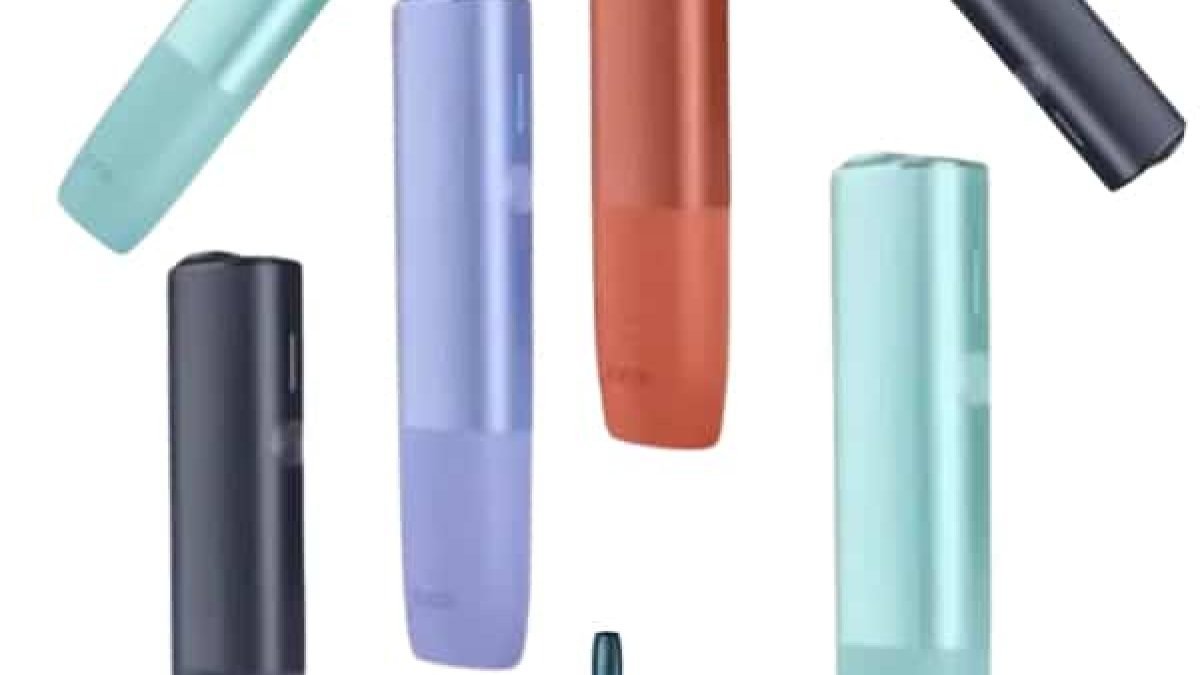
The IQOS ILUMA is different from traditional vapes or older IQOS models. It uses induction heating technology, which means:
- No blade inside the holder
- Tobacco sticks (TEREA) are heated, not burned
- Less residue compared to older models
This design reduces maintenance needs, but issues can still happen due to:
- Charging problems
- Dirty connections
- Incorrect usage
- Battery wear
Common Problems and Safe Fixes
1. Device Not Turning On
Possible Causes:
- Battery completely drained
- Device not charged properly
- Internal system glitch
Safe Fix:
Step 1: Charge the device fully
- Connect the charger and leave it for at least 30–60 minutes
- Check if indicator lights respond
Step 2: Check the charging cable
- Try a different cable or adapter
Step 3: Reset the device
- Press and hold the power button (if available) for several seconds
- Wait for vibration or light signal
If the device still doesn’t turn on, the battery may be exhausted.
2. Device Not Charging
Causes:
- Faulty cable
- Dirty charging contacts
- Battery issue
Fix:
Clean the charging contacts
- Use a dry cotton swab
- Gently wipe connection points
Try another charger
- Use a reliable power source
Check charging indicators
- No light usually means connection or battery issue
Avoid using damaged cables or unstable power sources.
3. No Heating / No Vapor
Causes:
- Incorrect stick inserted
- Device not activated properly
- Battery too low
Fix:
Use correct sticks
- Ensure you are using compatible TEREA sticks
Insert properly
- Insert gently without forcing
Charge device
- Low battery can prevent heating
Try restarting
- Reset device and try again
4. Weak or Inconsistent Performance
Causes:
- Low battery
- Improper usage
- Device overheating
Fix:
- Fully charge the device
- Take slow, steady puffs
- Allow time between sessions
Avoid continuous use without breaks.
5. Device Overheating
Causes:
- Continuous use
- Environmental heat
- Internal fault
Fix:
- Stop using immediately
- Let device cool down naturally
- Keep away from sunlight
If overheating happens frequently, discontinue use.
6. Strange Smell or Taste
Causes:
- Residue buildup
- Old or damaged sticks
Fix:
- Clean the holder area gently
- Use fresh sticks
- Avoid using damaged products
Even though ILUMA requires less cleaning, light maintenance still helps.
7. Device Not Detecting Stick
Causes:
- Improper insertion
- Sensor issue
- Debris in holder
Fix:
- Reinsert the stick carefully
- Clean holder area
- Ensure proper alignment
Cleaning and Maintenance
Even though IQOS ILUMA is designed to be low-maintenance, basic cleaning is still important.
How to Clean Safely
- Turn off the device
- Let it cool completely
- Use a dry cotton swab
- Clean:
- Holder interior
- Contact points
Avoid:
- Water inside device
- Sharp objects
- Excessive force
Proper Usage Tips
1. Use Correct Technique
- Insert sticks gently
- Do not twist or force
2. Avoid Rapid Sessions
- Give device time to cool
3. Store Properly
- Keep at room temperature
- Avoid heat and humidity
4. Charge Regularly
- Don’t let battery fully drain frequently
What You Should NEVER Do
To avoid damage or injury:
- Do not open the device
- Do not attempt battery replacement
- Do not use water for internal cleaning
- Do not expose to extreme heat
- Do not use damaged accessories
These actions can permanently damage the device.
When to Replace the Device
You should consider replacement if:
- Device won’t charge at all
- No heating even after troubleshooting
- Battery drains very quickly
- Device behaves unpredictably
All electronic devices have a limited lifespan.
Safety Awareness
IQOS ILUMA uses heated tobacco, which still contains nicotine.
Be aware of:
- Dizziness
- Nausea
- Discomfort
If you feel these, stop using and rest.
Disposal Tips
When your device no longer works:
- Treat it as electronic waste
- Do not burn or crush
- Dispose responsibly
Final Thoughts
Fixing the IQOS ILUMA doesn’t mean opening or repairing it internally. The safest and most effective approach is:
- Careful troubleshooting
- Regular cleaning
- Proper usage habits
- Timely replacement when needed
Most issues—like charging problems, weak performance, or no heating—can be resolved with simple steps if handled correctly.